Four screens, and what each one is for
No feature grid. The app is four screens, each answering one question, and this is the question each of them answers.
Poke at it
Four screens, and every control on them explained. Pick a screen and it walks you through them one by one — or hover over anything you do not recognise.
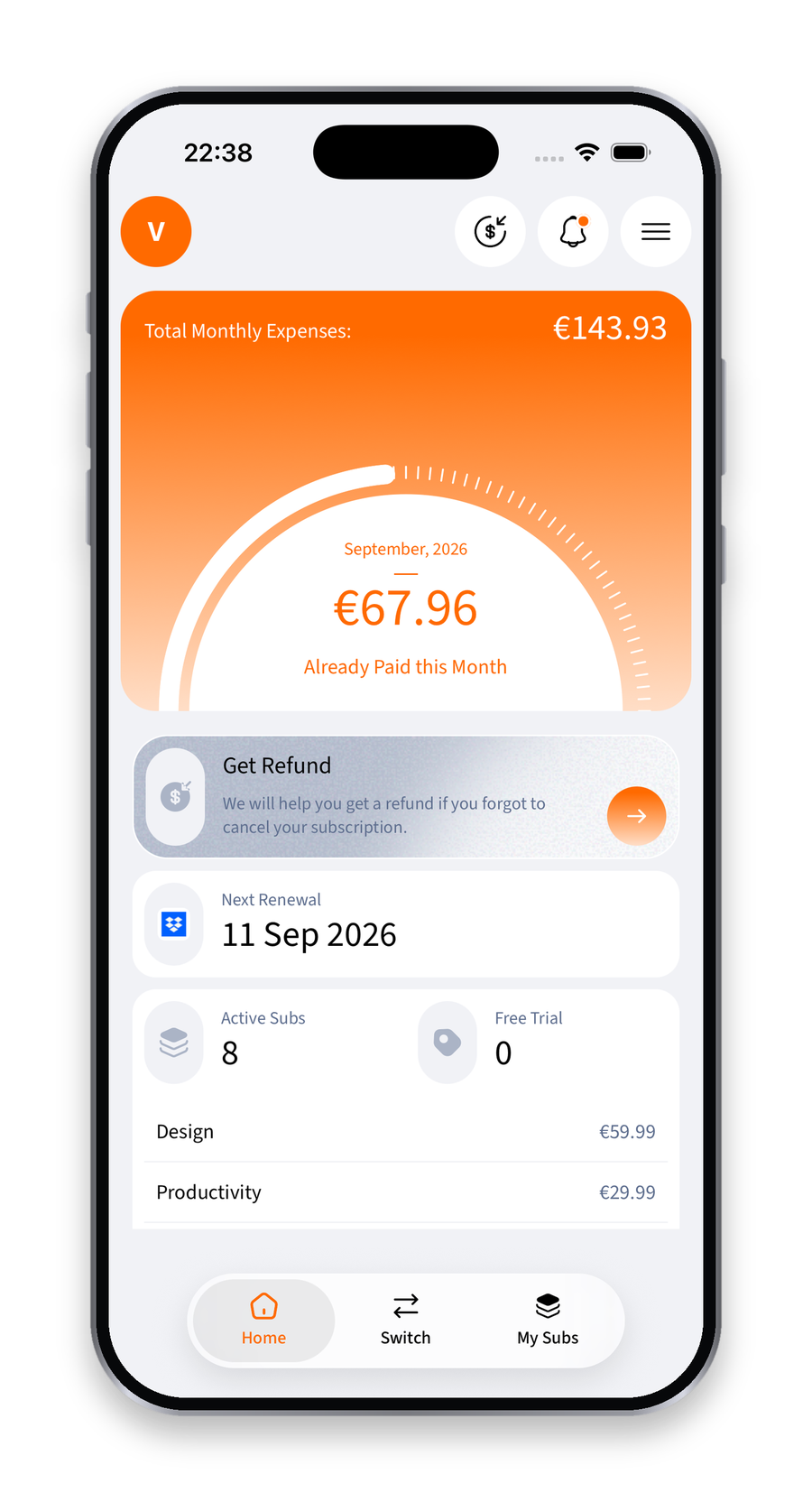
01 / 14 · Home
Your account
Profile, connected banks and mailboxes, settings, and the export that sends you everything we hold as a PDF.
Eight seconds, four taps
Home to the list, the list to the switches, the switches to the alerts, and back. No setup screens, no tour, no empty states — this is what it looks like once an account is connected.
Everything the four screens leave out
Not a spec sheet. Three questions, and what the app does about each.
Finding them
Bank connection
Open banking across 17 EU and EEA countries. A year of history on a new connection, so annual charges show up too.
Finding them
Mailbox scan
Gmail, Outlook and iCloud. Catches the subscription that bills through an app store, where the bank line says only the store.
Finding them
Statement upload
PDF, CSV or XLSX. The fallback that always works, including with banks no connection reaches.
Finding them
Add by hand
Nothing forces you to connect an account. A name, a price and a date is a complete subscription.

And there is a fifth thing, which is not a screen
Suby sits on top of all four. It can read your list, answer questions about it, and open the right screen — and it is not allowed to change anything without you tapping to confirm.
Meet Suby