Three ways to find every subscription you are paying for
Bank connection, mailbox scan, statement upload. They find different things, and the overlap is smaller than you would expect.
7 min read
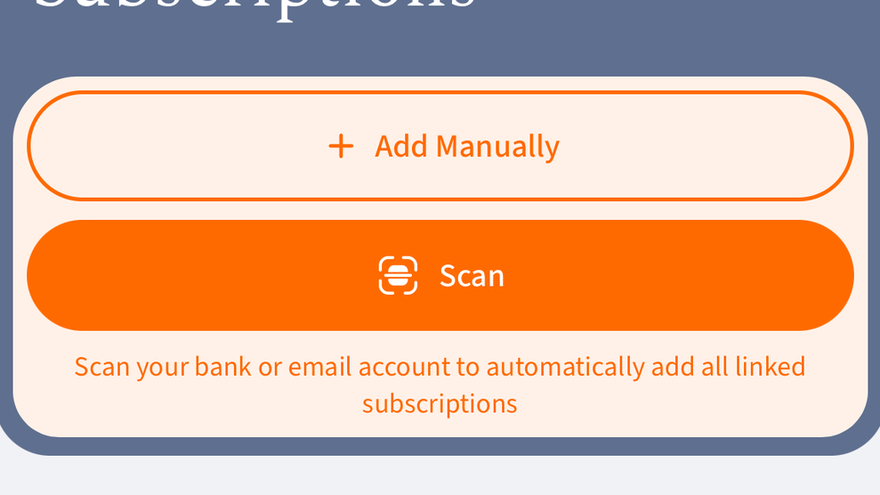
No single method finds everything. The gaps are predictable, which means you can cover them deliberately.
Bank connection
Sees money leaving. Catches the charge you never recognised, under the descriptor the acquirer actually wrote. Misses anything billed to a card at another bank, anything paid from a balance, and anything inside a bundle.
Mailbox scan
Sees receipts and renewal notices. Catches the subscription whose charge is hidden inside an app-store line. Misses anything that never emailed you, and anything in a mailbox you did not connect.
Statement upload
The fallback that always works, including where no connection is available. A PDF or CSV export gives a full period at once, which makes yearly charges visible in a way a 90-day window does not.
What this costs you in attention
About one pass. After that the list maintains itself, and the only thing worth your time is the renewal that is about to happen.
More in Using SubSSwitch





Meet Suby, the agent that can actually see your subscriptions
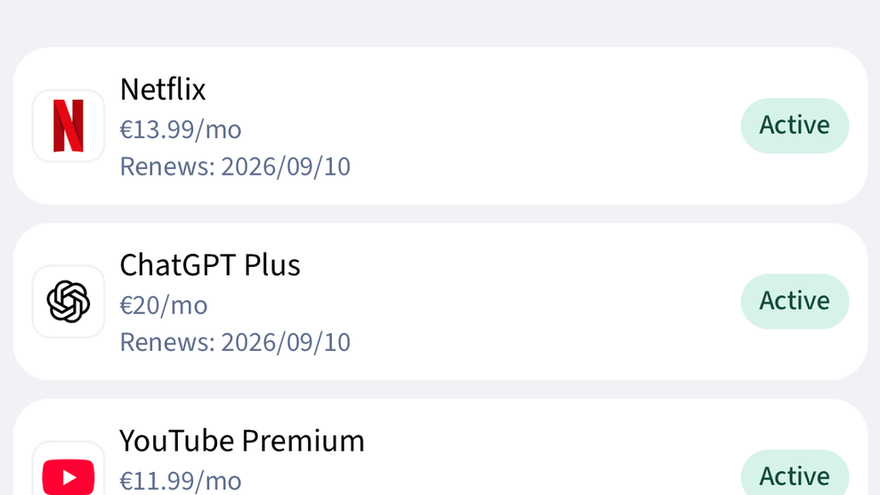
A general chatbot can explain what a subscription is. Suby knows what yours cost, when they renew, and can open the right screen for you — without being allowed to touch anything on its own.
What your bank statement will not tell you
Merchant descriptors are written by the acquirer, not the brand. That is why a service you know appears under a name you have never seen.
Rotation, not cancellation
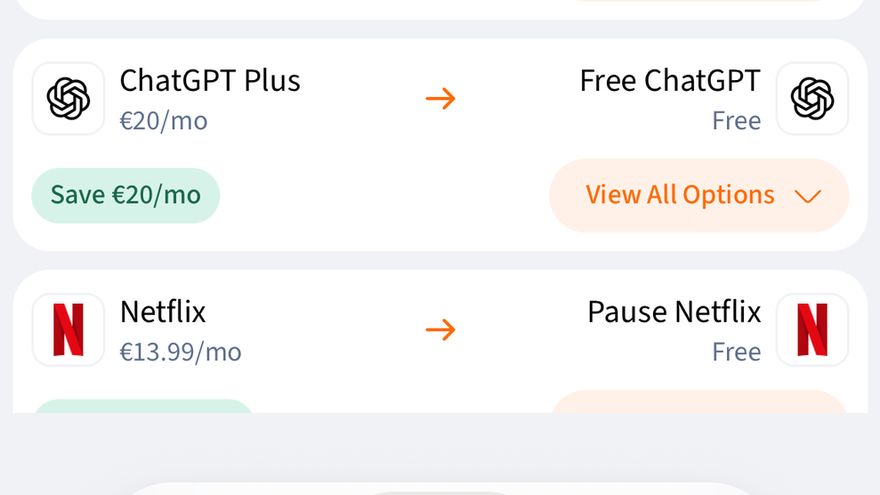
You do not need four streaming services at once. You need one at a time, in the right order, and something that remembers to switch.